The problem XGEN TMS feature tour: from basic features to AI integration. Test cases live in Excel, and AI can create them too, but the results sit in yet another tool. In the end you have to ask someone, and none of it is connected.
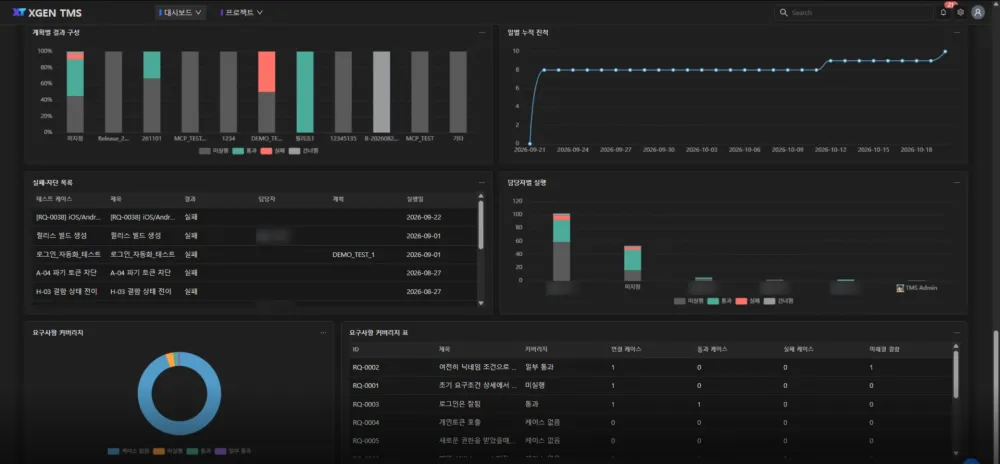
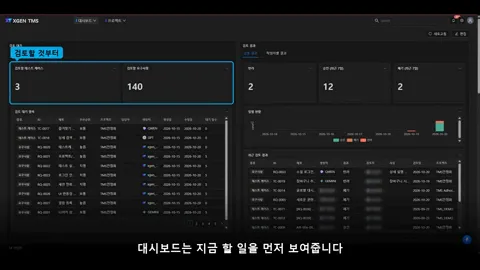
Sign-in and dashboard XGEN TMS supports SSO, so you can sign in with your company account. The dashboard starts with what you need to do now. AI-created requirements and test cases also wait for review, and approval and rejection history is kept. See only your own work, and overdue items stand out right away. These numbers all come from execution data: pass and fail rates by release, and coverage by requirement.
Plans, requirements, design Now let's select a project and go inside. Test plans are organized as builds under each release. Track coverage and verification rates, and spot the failed requirement fast. Everything starts with requirements. Organize them in folders and check each one's status. In test design, each case is linked to requirements, and the links are visible at a glance.
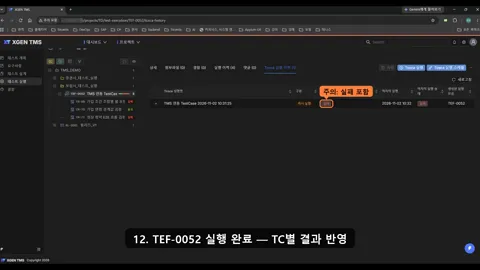
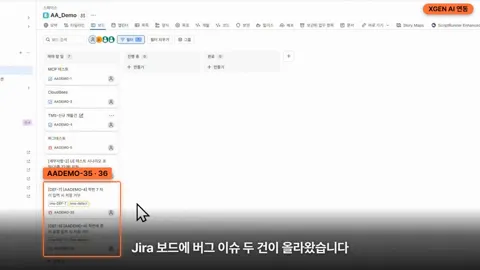
Runs, defects, Jira In test execution, see progress, pass rate, and owners at a glance, and turn failures straight into defects. The defect list groups four defects by status to show how they are handled. Each defect carries its execution evidence, showing which run and step it came from. One button creates and links a Jira issue, carrying over the summary and description. The same details carry over to Jira, including steps to reproduce, and status is managed in Jira.
AI integration Next: AI integration. We start with requirements already in TMS, with their status in view. Open the Tim assistant and choose an XGEN AI agent. Which AI engines and agents to use is set in the admin settings. You can also connect your in-house models. Attach an RFP and ask in plain words, and the requirements agent handles it. Shortly, new requirements appear as awaiting review. The creator shows as xgen_gpt, so the AI's work is recorded as is. It also sums up the result in the chat. The requirements are filed in the RFP folder automatically, all starting as awaiting review. Even AI-created requirements are approved only after a person checks them. Hand approved requirements to test design, and scenarios for each feature become test cases. All cases start as drafts, and you can ask to move them all to review at once. When a reviewer approves each case, its version goes up. If there is a problem, they reject it with a reason. The reason, the reviewer, and the time are all recorded. The change history keeps what AI created and what people rejected, version by version. AI creates, people decide, and TMS records the process. Whatever AI you use, one place to run quality: XGEN TMS. Thank you.






































 4:00
 2:08
 0:47
 1:09
 0:42

 1:12